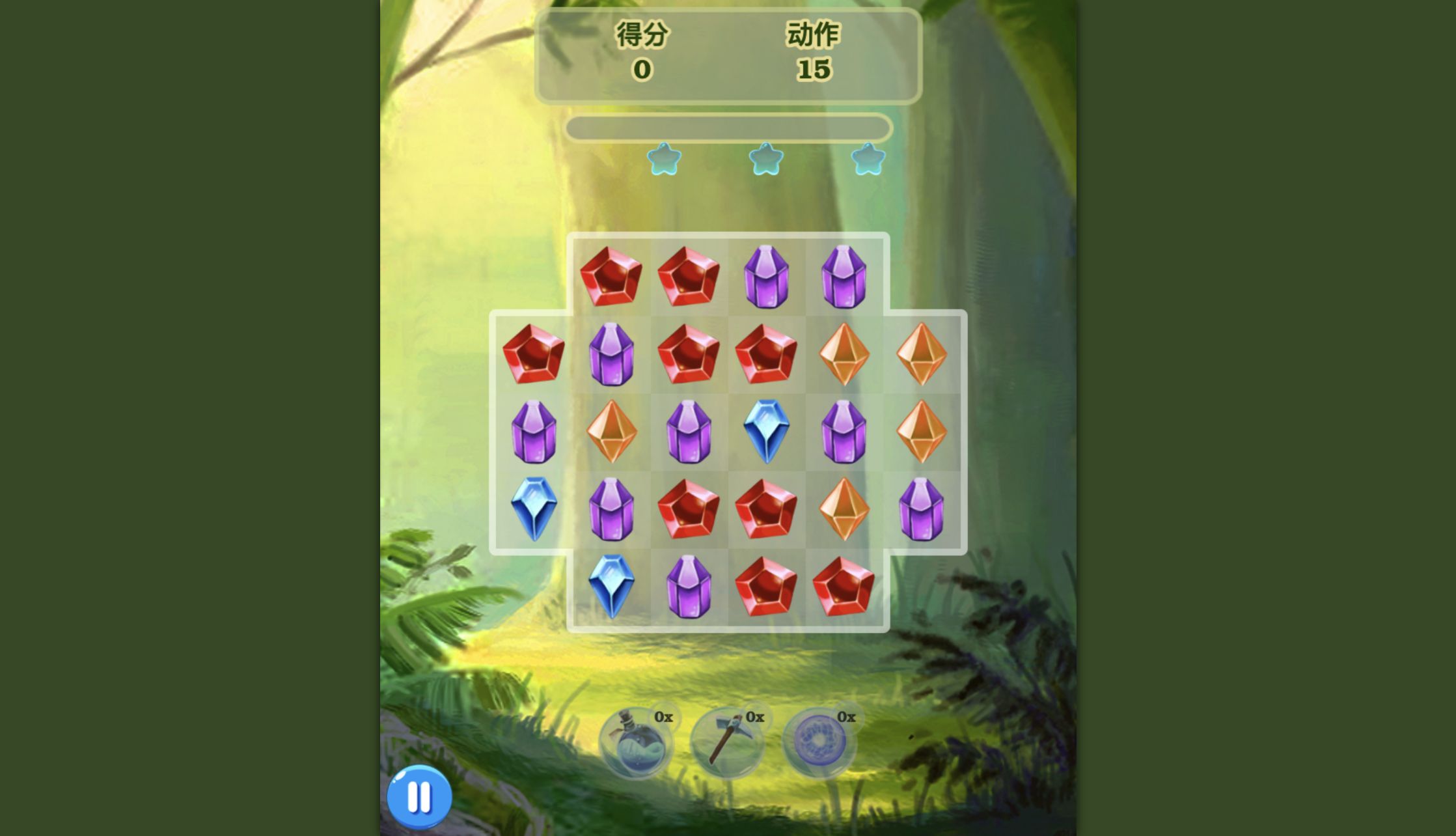
puzzle
Read reviewJewel Magic
For match-three players who enjoy cascades and limited moves. We cleared the first 5,000-point target; interface language differed between our launch paths.
Read a featured review to start with four playtested picks, each backed by original gameplay captures and practical review notes.
Quick picks across racing, puzzles, arcade and simulation — shown with Original gameplay captures from our own runs.
For match-three players who enjoy cascades and limited moves. We cleared the first 5,000-point target; interface language differed between our launch paths.
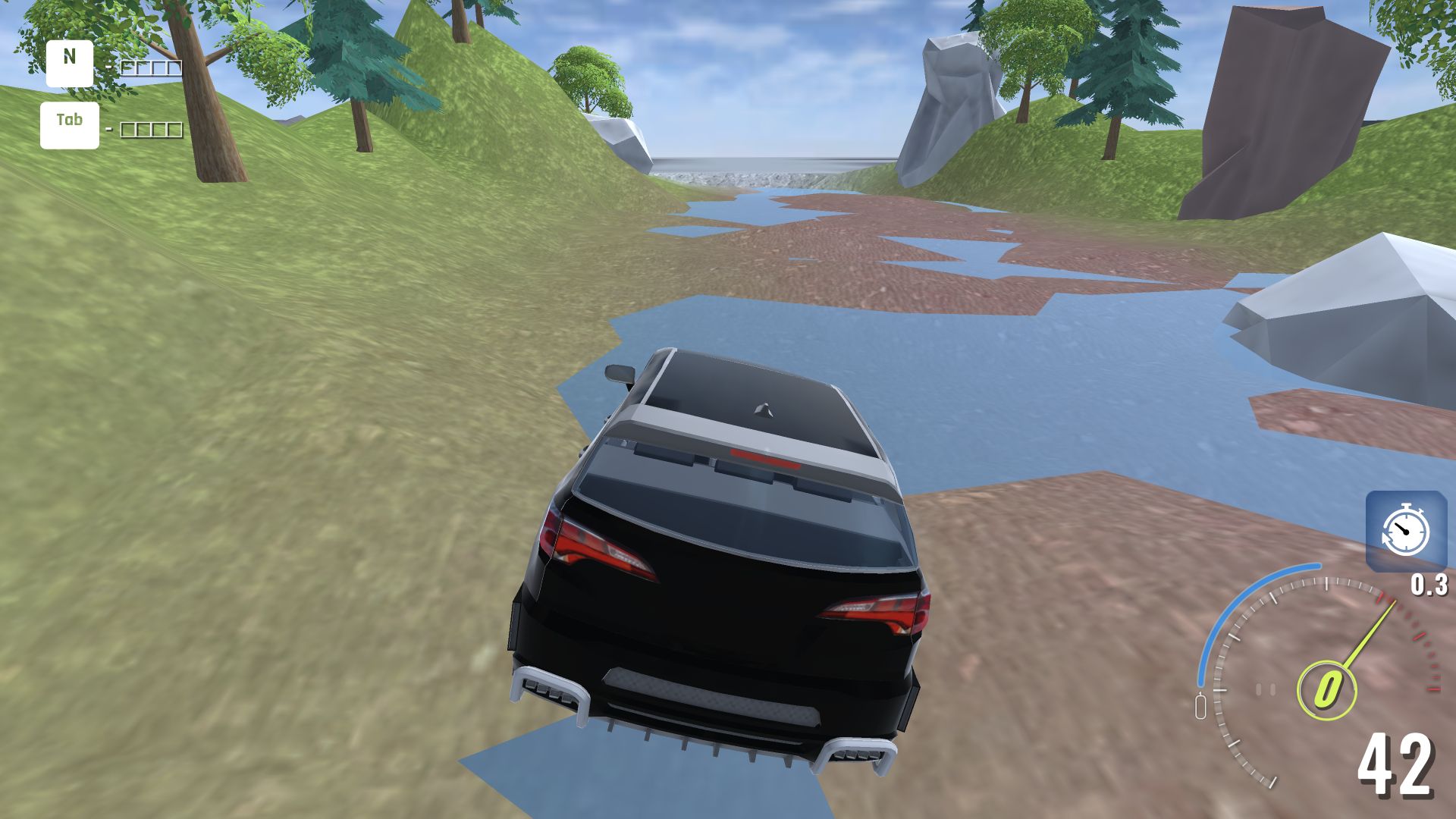
A low-pressure driving sandbox where reversing out of a rock trap was the highlight. Expect simple obstacle physics, with little visible damage in our impacts.
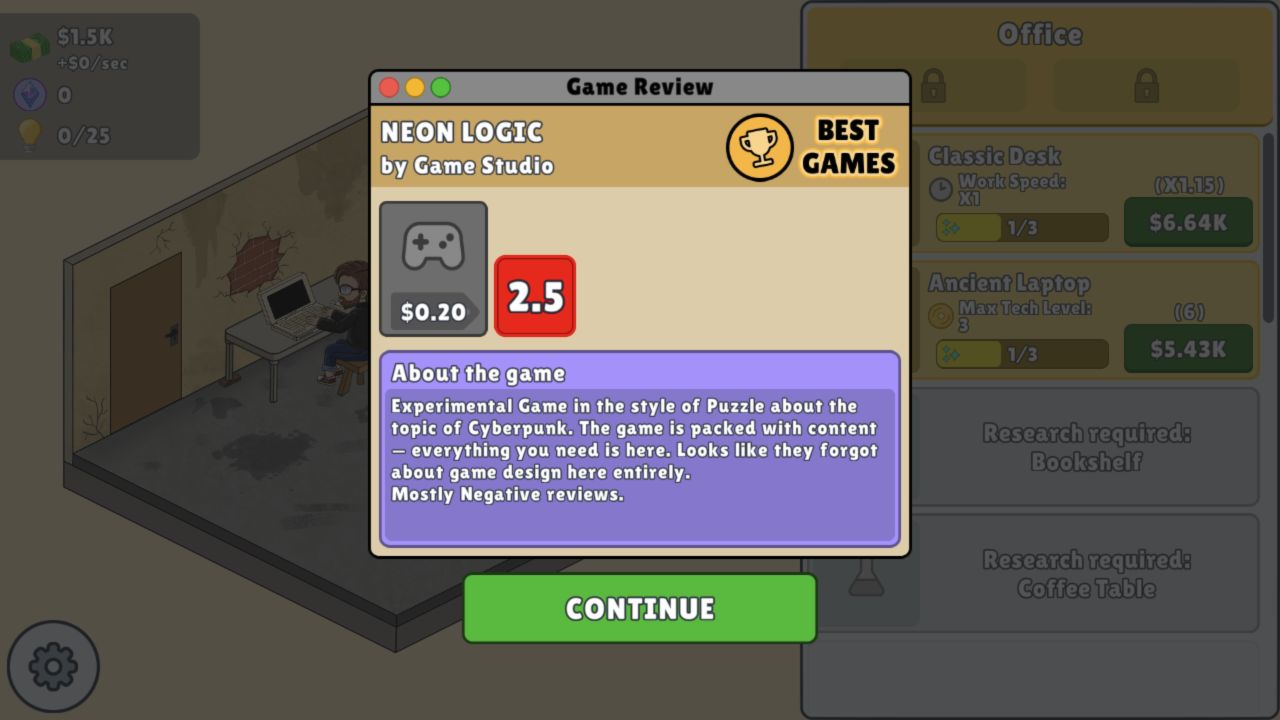
For players who enjoy production decisions and learning from a poor release. Our bug-free first game still earned 2.5; the complete cycle was tested on desktop only.

A five-flag geography drill that shows how far each guess missed. Useful for learning from corrections; accuracy rewards careful map placement over rushed guesses.
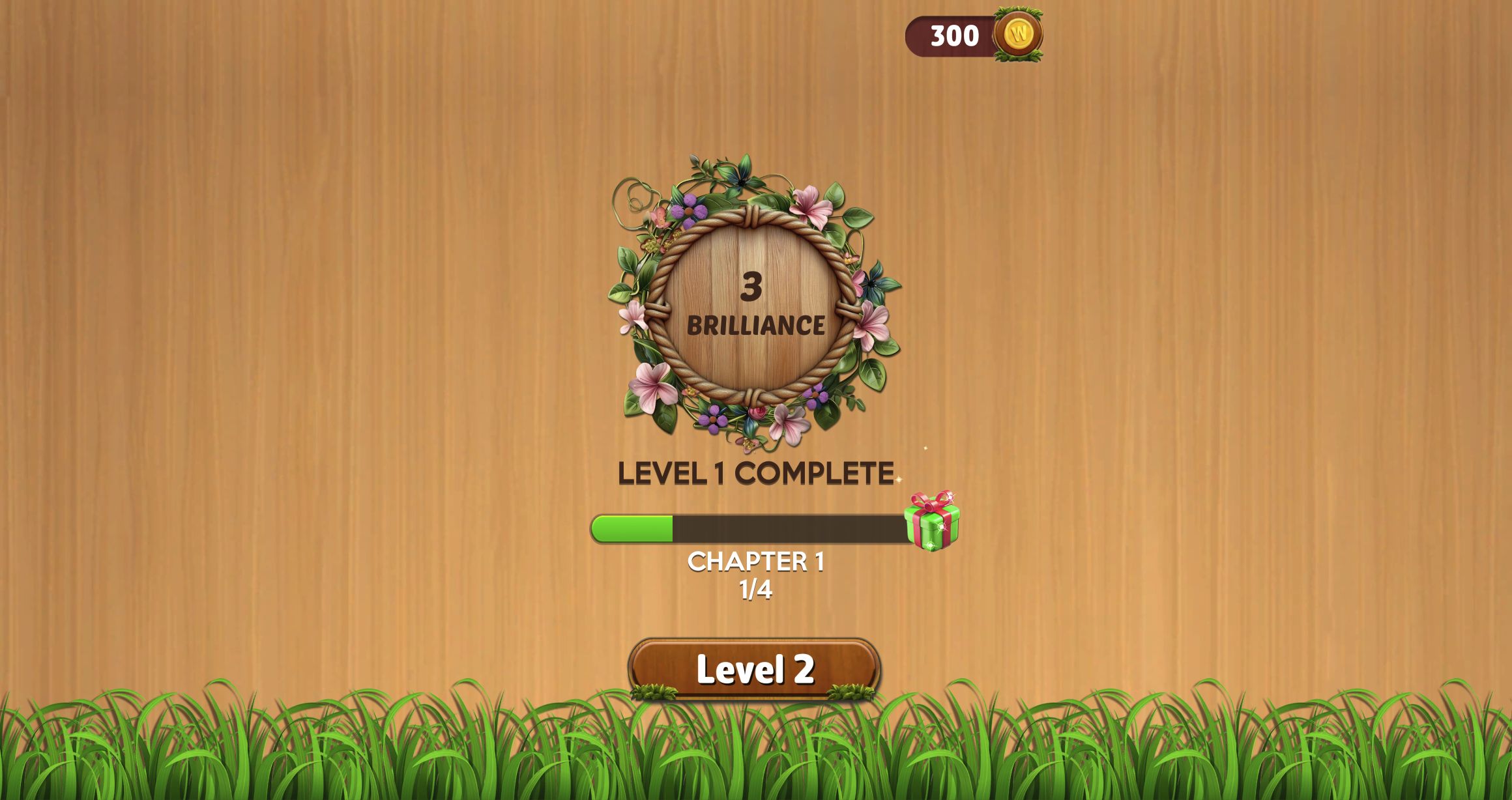
Gentle, untimed anagrams with clear crossings. Slow continuous swipes cleared all four opening levels; a comparable mobile run remains unverified.

A patient, untimed search through a cluttered bathroom. We found all 20 objects; frequent hints brought repeated ad interruptions.
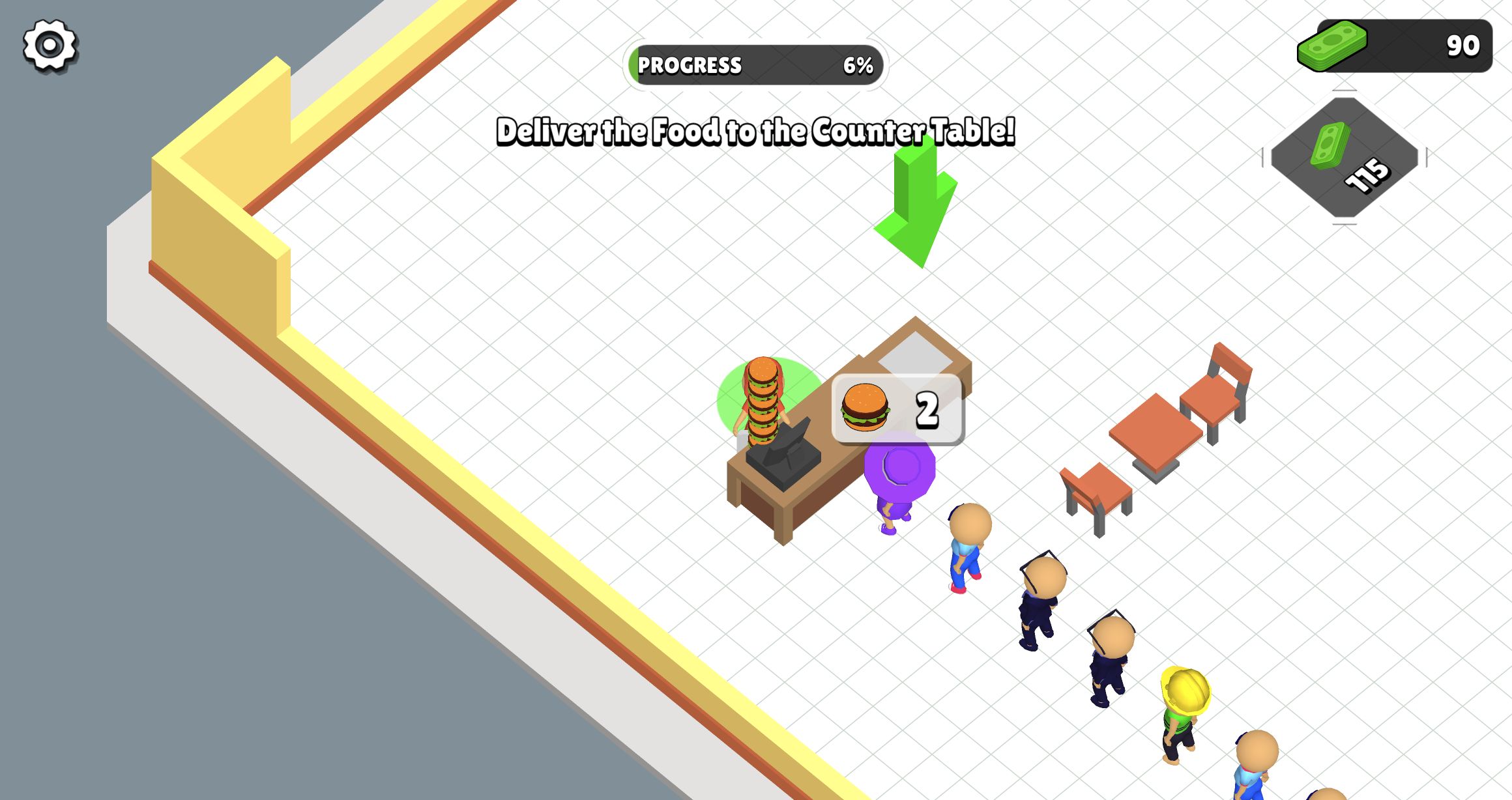
For a busy serve-and-clean loop with visible queues. Carrying burgers is only part of the job: dirty tables left customers waiting with NO SEAT.

A forgiving shaping, painting, and decorating session. Start drags from the tool tip; the completed first client ended with a prominent optional reward-video offer.
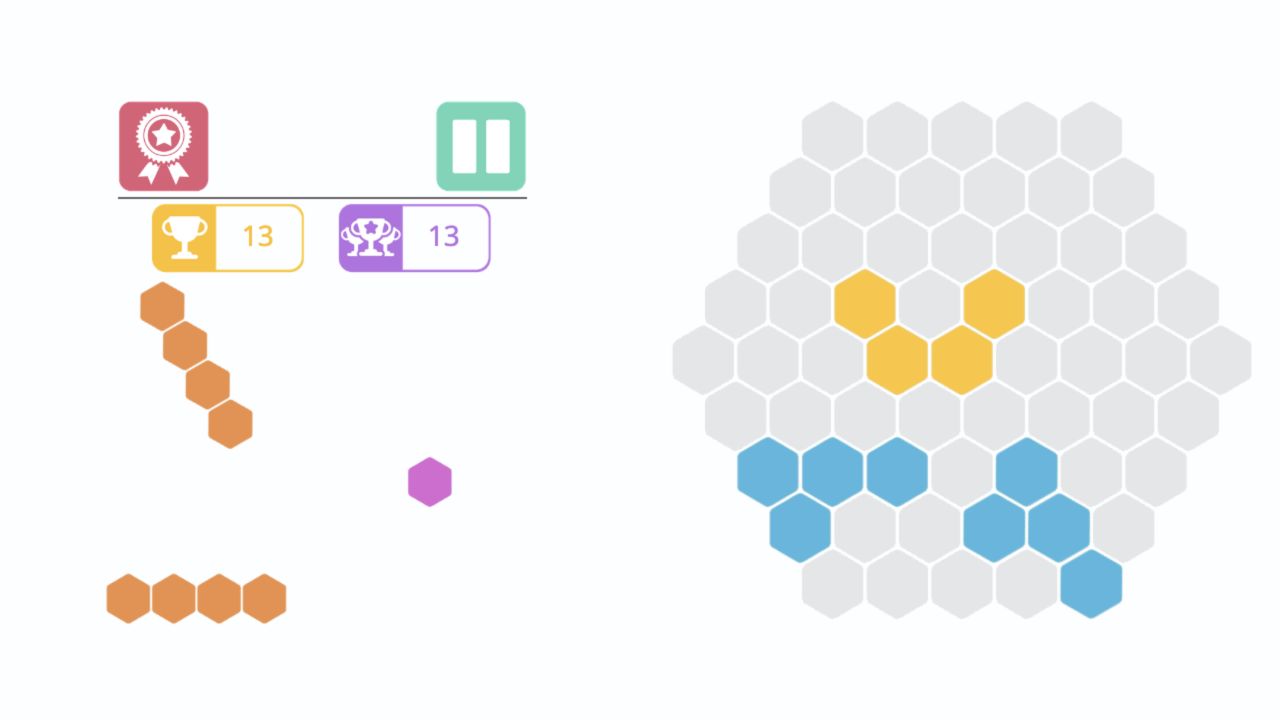
A quiet hex-packing puzzle where the grabbed cell controls placement. Plan all three shapes together; no rotation control appeared in the tested interface.

For jigsaw recognition under time pressure: the first adventure puzzle gave us 33 seconds. It ended in a timeout, and used-up helpers became video options.
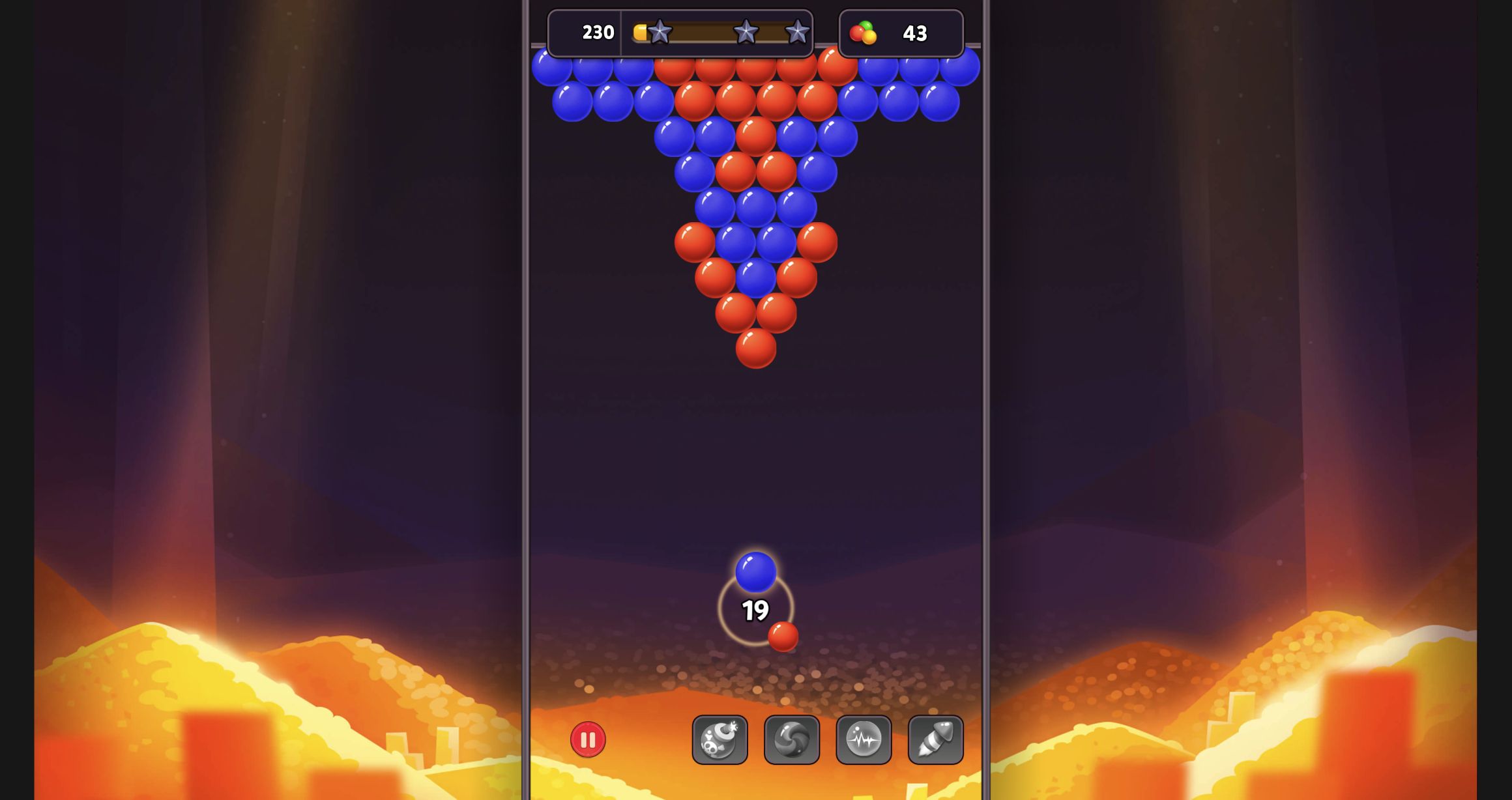
For players who like planning bank shots over racing a clock. Support cuts cleared the first board; a poor shot added a bubble to the remaining target.
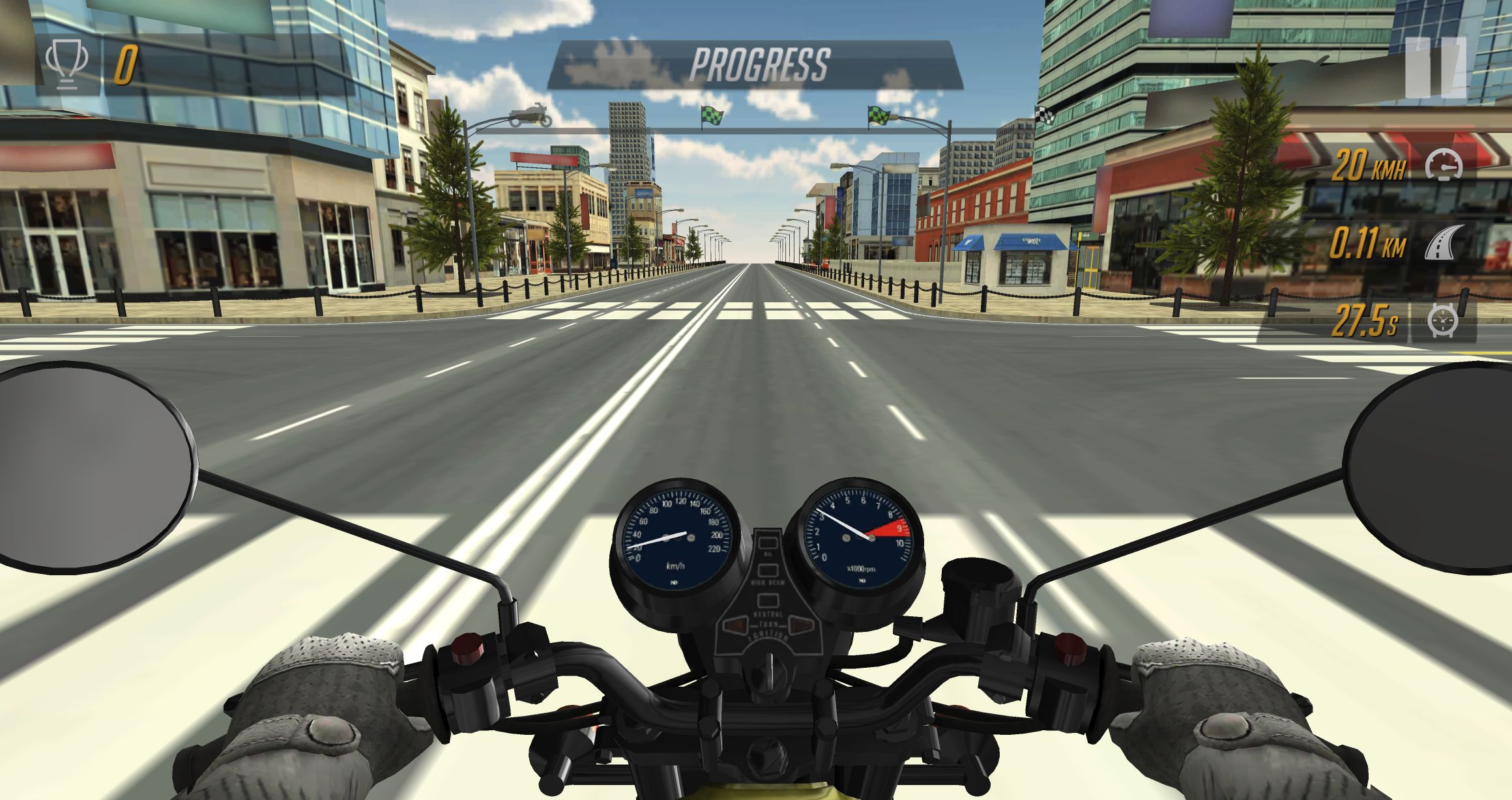
A cockpit and first-mission preview with input limitations. Repeated short presses still timed out; sustained physical-key acceleration and phone handling remain unverified.
 Curated from real play sessionsAction GamesWe compare ten hands-on action reviews by movement pressure, result clarity, completed loops, technical blockers, and verified device evidence.
 Curated from real play sessionsArcade GamesWe compare nineteen hands-on arcade reviews by retry clarity, useful progress, result reliability, control friction, and verified device evidence.
Every tile opens a playtested game page with controls and real gameplay evidence before you launch.
 Deadly Descent
 Hidden Object: Clues and Mysteries
 Idol Livestream: Doll Dress Up
 Pregnant Mother Simulator
 Hidden Objects: Island Secrets
 Geometry Arrow 2
 My Town Home: Family Playhouse
 Fruit Merge: Juicy Drop Game
 Basketball Stars
 Hidden Object: My Hotel
 Snake 2048
 Golf Orbit
 Piece of Cake: Merge & Bake
 Good Sort Master: Triple Match
 ASMR Girl: Livestream Mukbang
 Paper Doll Diary: Dress Up DIY
 MR RACER - Car Racing
 Pocket Universe
 Tile Valley
 Tile Farm Story
 Chicken Merge
 Mahjong Magic Islands
 Diamant: Match 3 Sky Story
 Defender: Tanks Merge
 Pirates Merge: War Path
 Knight Legend
 Rat's House - Nonogram
 I am Crazy Bird
 Find the Frog - Hidden ObjectsStickman Kombat 2D
 Basketball Superstars
 Nuts Puzzle: Sort By Color
 Burger Restaurant Simulator 3D
 Tap 3D Wood Block Away
 Kiki World: Kawaii Doll Decor
 Rooftop Run
 Age of Tanks Warriors: TD War
 Wild Love
 Geometry Arrow3D Acrylic Nail: Nail Art GameBubble Shooter: Tap & Pop
 Master ChessMotorcycle Racer: Road Mayhem
 Bubble BlastFind Out Hidden Object
 Color Pixels - Coloring by NumbersBurger Life
 Bus Parking Out
 Yarn Fever! Unravel Puzzle
 Idle Train Empire Tycoon
 Word Solitaire
 Snow Rush 3DWord CrossIdle Game Dev Simulator
Playflaming is my own browser-game review site. Every review starts with me actually sitting down to play — finishing a level, losing a run, fighting the controls, and noting what interrupted me. If I didn’t play it, I don’t call it a review.
I keep the review separate from the game’s own marketing. These are the things I care about when I play.
There’s no template verdict. I write from the session I actually played, then show you what that session produced.


